

Overview
This is the step-by-step guide on how to build a full-stack application successfully with Astrio.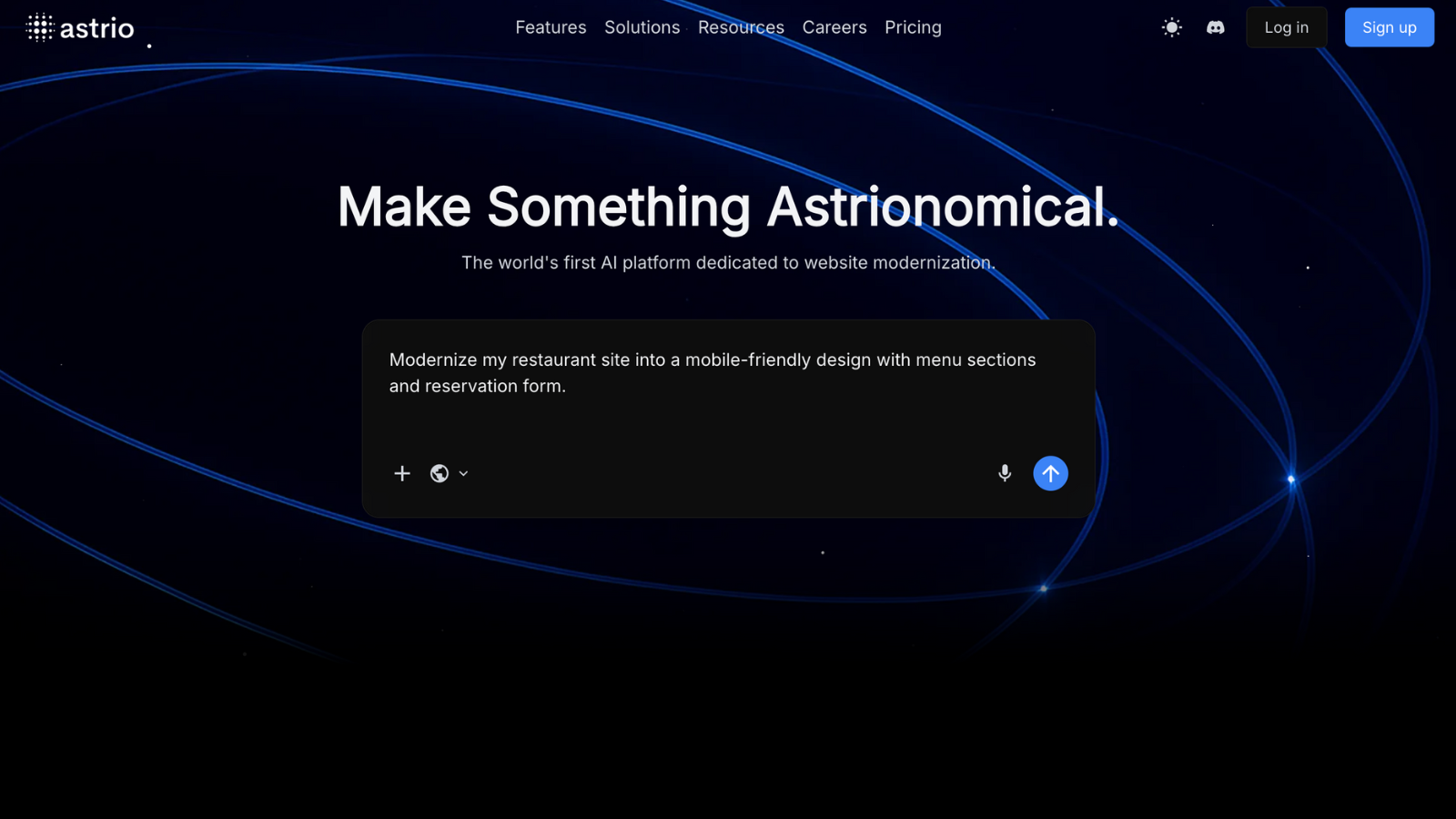
Quick Setup
Create Your Account
Sign up for free at astrio.app
Choose Your Starting Point
Select whether to build from scratch or modernize an existing application
Start Building
Use our visual builder and natural language prompt system to design and configure your application
Your First Project
The Lifecycle of an Application
Every project in Astrio follows a simple flow: Plan & Design → Build or Modernize → Iterate → PublishStep 1: Plan & Design
Before you start, think about what you want to create or modernize.- What is it? (a portfolio website, a business dashboard, an old exisitng website that needs a fresh look)
- Who is it for? (yourself, your team, your customers)
- What should it do? (list features like “create tasks,” “show charts,” “send notifications”)
- How should it look? (clean, modern, playful, professional)
Step 2: Start Building or Modernizing
There are several ways to get started with Astrio, depending on your preferences and resources.Prompt
Prompt
Astrio’s prompt-based system makes app creation and modernization simple.
- Just describe what you want to build in the prompt box.
- The more specific you are, the better the results.
- Start with clear and detailed prompts.
- You can refine and adjust your project as you go.
Example:“I want to build a landing page for a bakery called Paris Bakery. It’s located in a small college town called Lewisburg, Pennsylvania. The goal of the site is to attract local students, families, and visitors by showing off the bakery’s story, menu, and contact details. Its features should include: a hero section with a warm welcome message, an about section telling the bakery’s story, a menu preview with photos of baked goods, a testimonials section for customer reviews, and a contact section with location, phone, and hours. It should have a cozy, Parisian-inspired aesthetic with warm colors, elegant fonts, and inviting photography. Users should be able to easily browse the menu, read about the bakery, and find directions. The site should be mobile-friendly and fast-loading. Users will access the site in their browser, so make sure it’s suitable for hosting on Netlify.”
Import Codebase
Import Codebase
With Astrio, you can bring in your old codebase in two simple ways:
- Upload it as a ZIP file.
- Connect your GitHub account and link a repository.
Using Figma
Using Figma
Open Figma
Use a design from Figma.
Take a Screenshot
Take a screenshot of your Figma design, then paste or drag-and-drop it into Astrio.
Using a Sketch
Using a Sketch
Sketch your UI
Use Excalidraw or any similar tool to sketch your UI.
Step 3: Iterate
After Astrio generates your application from your first prompt, you’ll probably want to make changes:- Add more features.
- Tweak behavior or appearance.
- Fix bugs.
Step 4: Publish
When you’re ready to go live, you can just publish it and get a shareable URL. You can use that URL showcase your application or share it with collaborators and stakeholders.What You Can Build with Astrio
Portfolio and Landing Websites
Portfolio and Landing Websites
- Personal Portfolios: Showcase your work, skills, and achievements
- Business Landing Pages: Highlight your brand, products, and services
- Event Pages: Promote upcoming events with schedules and registration
- Product Launch Sites: Create buzz and capture early customers
Business Applications
Business Applications
- CRM Systems: Manage customers and sales pipelines
- Project Management: Track tasks, teams, and deadlines
- Inventory Management: Monitor stock and orders
- HR Portals: Employee onboarding and management
E-commerce & Marketplaces
E-commerce & Marketplaces
- Online Stores: Sell products with integrated payments
- Service Marketplaces: Connect buyers and sellers
- Subscription Services: Recurring billing and management
- Digital Downloads: Sell courses, ebooks, software
Content & Community
Content & Community
- Blogs & Publications: Content management systems
- Community Platforms: Forums and social features
- Learning Platforms: Courses and educational content
- Event Management: Registration and ticketing
SaaS Applications
SaaS Applications
- Analytics Dashboards: Data visualization and reporting
- Workflow Automation: Business process management
- API Services: Backend services and integrations
- Multi-tenant Applications: Software as a Service platforms
Need Help?
Ready to start building? Create your free account and have your first app running in minutes!